





Nonfiction
eBook
Details
PUBLISHED
Made available through hoopla
DESCRIPTION
1 online resource
ISBN/ISSN
LANGUAGE
NOTES
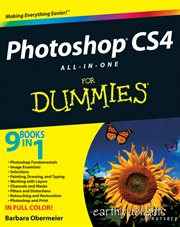
Your one-stop Photoshop reference, filled with the latest tips and techniques There's a reason why Photoshop is the industry standard for image-editing software. But it's also that big, Photoshop has so many facets and features that a handy one-stop guide is exactly what you need. And you'll love the "Putting It Together" exercises that give you hands-on experience - in rich, full color! - Learn the parts - the desktop, menus, panels, and key tools, and how to use Adobe Bridge - Make your selection - learn about each of the selection tools plus the powerful Pen tool and Paths panel - Brush up - on the Brush and Pencil tools and how to create vector shapes, create and edit type, and put type on a path - Restore and retouch - correct and enhance color, improve contrast, and use the Clone Stamp and Healing tools to fix flaws and damage - Print it - learn how to get the right resolution, image mode, and file format, and prepare your work for printing Open the book and find: - How to crop images and increase their canvas size - Tips for creating gradients and patterns - Advice on resizing images - How to composite images with layers and blending modes - Filter techniques to correct or alter images - How the Vanishing Point feature makes editing easier - Steps for making adjustments with levels and curves - How to create contact sheets
Mode of access: World Wide Web