




Details
PUBLISHED
Made available through hoopla
DESCRIPTION
1 online resource
ISBN/ISSN
LANGUAGE
NOTES
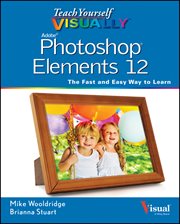
Are you a visual learner? Do you prefer instructions that show you how to do something, and skip the long-winded explanations? If so, then this book is for you. Open it up and you'll find clear, step-by-step screenshots that show you how to tackle more than 160 Photoshop Elements tasks. Each task-based spread covers a single technique, sure to help you get up and running on Photoshop Elements 12 in no time. You'll learn to: - Use both the Organizer and Editor - Import photos from various sources - Enhance lighting and color - Restore old photos and add effects - Save, back up, and share photos Designed for visual learners - Two-page lessons break big topics into bite-sized modules - Succinct explanations walk you through step by step - Full-color screen shots demonstrate each task - Helpful sidebars offer practical tips and tricks
Mode of access: World Wide Web